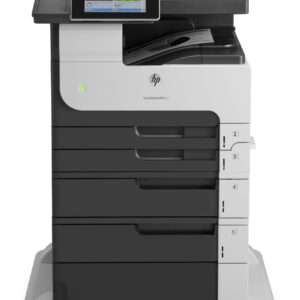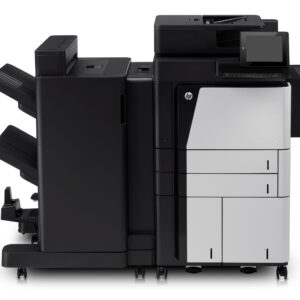
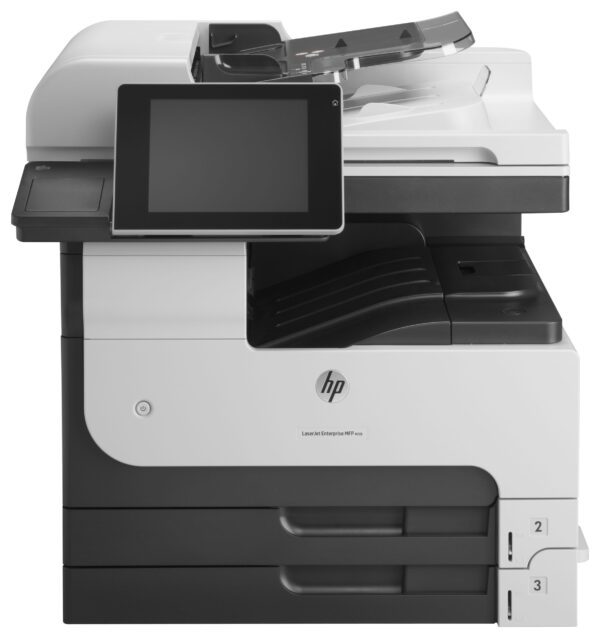
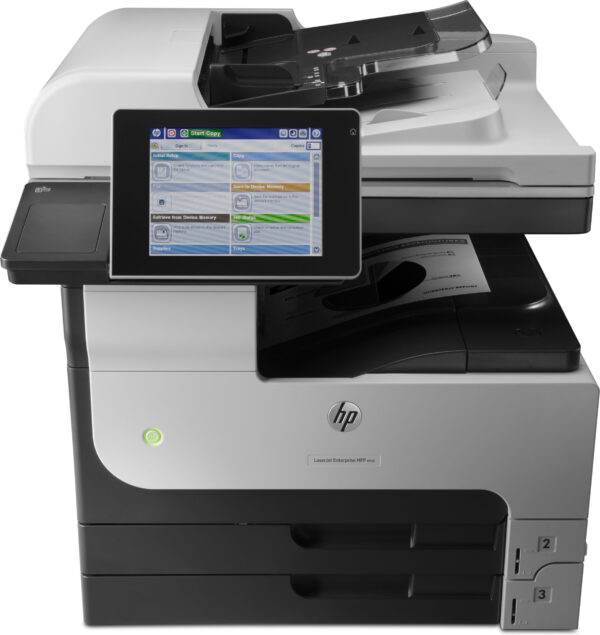
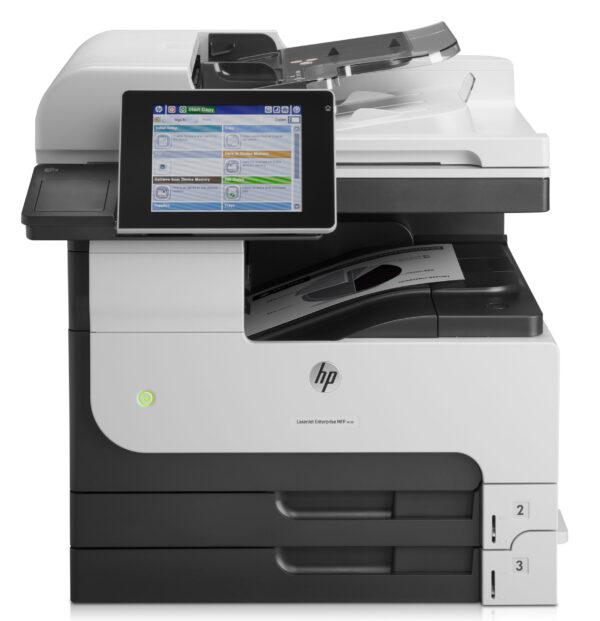
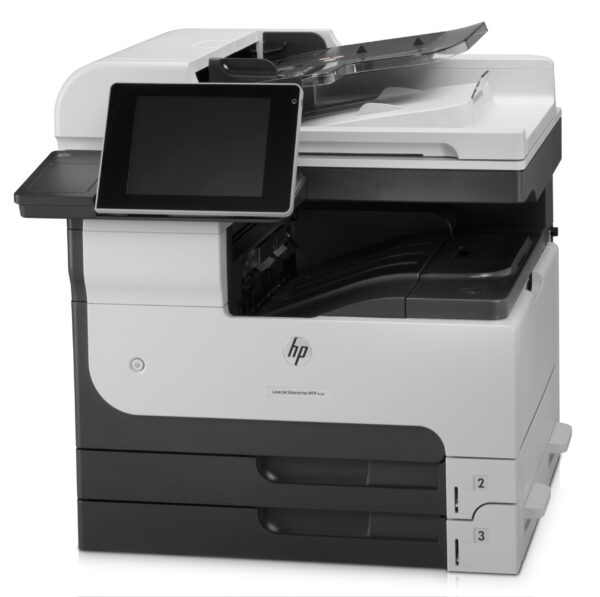
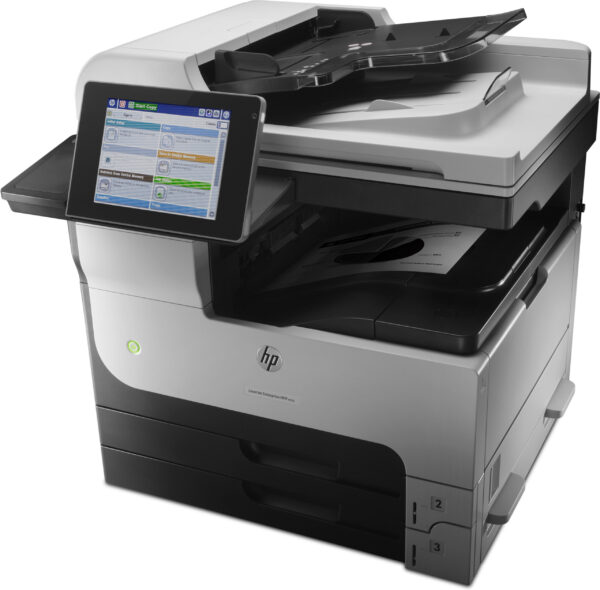
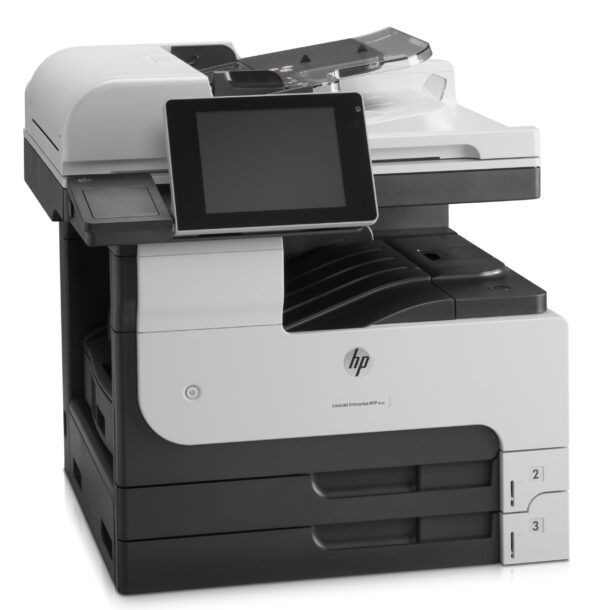
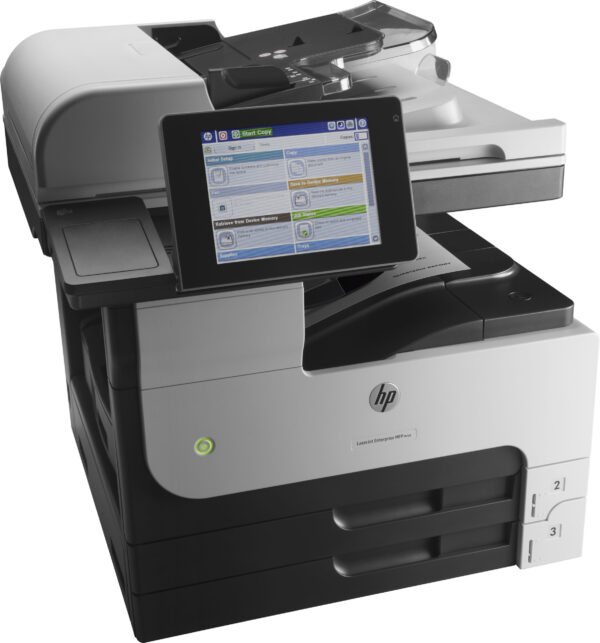
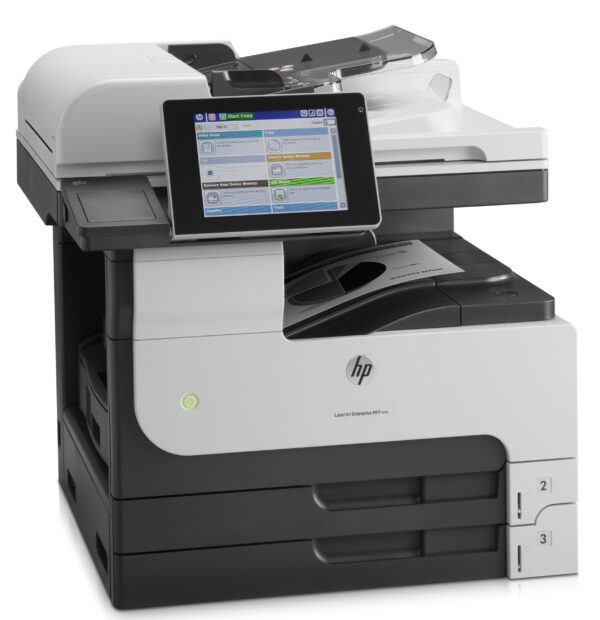
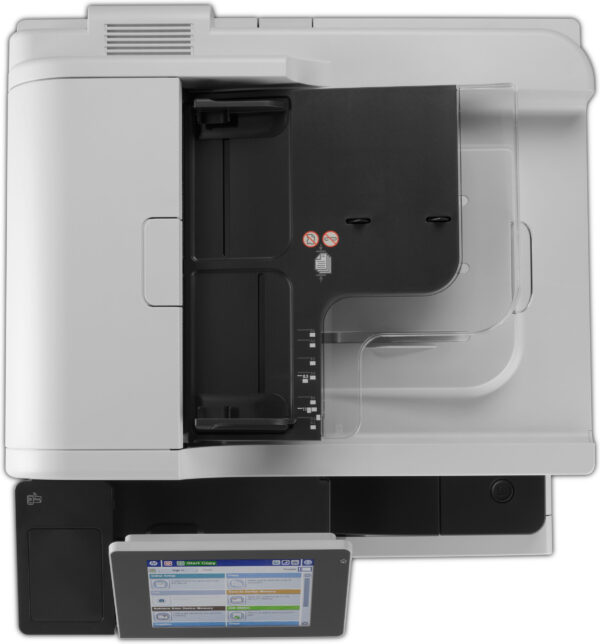
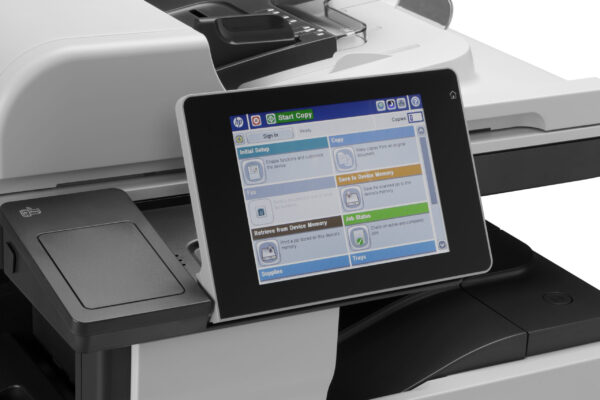
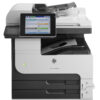
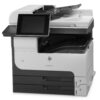
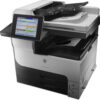
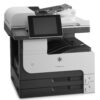
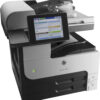
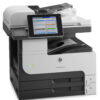
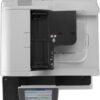
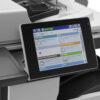
Print high-quality documents on an array of paper sizes up to A3, launch one-touch workflows, and manage jobs on the desktop with touchscreen ease. Enable large-volume printing on a wide range of paper sizes – up to A3 – with a 4,600-sheet maximum input capacity.1 Preview and edit scanning jobs; centrally manage printing policies; safeguard sensitive business information.
Key features
- 100-sheet ADF; Front-facing USB printing; Scan to email/PDF; Two-sided printing
- Print, copy, scan
- Up to 40 ppm (black)
- Up to 1200 x 1200 dpi
Reasons to buy
- Stay focused on work – paper capacity up to 4,600 sheets and high-capacity cartridges limit interruptions.2
Get impressive document quality with near edge-to-edge printing and a convenient, built-in stapler.3
Print what you need, even on the go – from your smartphone or tablet – using HP ePrint5 or Apple Airprint™.6 - Set a swift pace – use this powerful MFP to keep your work moving. Save time and make your job easier, using HP Quick Sets.
Efficiently capture the right content: automatically remove blank pages, preview, edit and control jobs on the large colour touchscreen.
Incorporate paper documents into digital workflows – easily send scans to fax6, email, network folders or USB. Print right from a memory device via the USB port. - Monitor your devices with industry-leading tools, including HP Web Jetadmin.7 Help protect data both in transit and at rest.
Enhance security with PIN printing. Add safeguards via the hardware integration pocket. Integrate tomorrow’s solutions with ease.
Add security tools – such as card and badge readers – via the hardware integration pocket.8 - Help conserve resources and meet corporate environmental goals. HP Auto-On/Auto-Off Technology helps reduce energy use.9
Easily recycle Original HP LaserJet toner cartridges through HP Planet Partners11.
Save paper and cut costs, using automatic two-sided printing. - Have an instant digital copy of anything you scan stored on your network server.
- Add this device to your office Ethernet network to share with your workgroup.
- Help save energy with HP Auto-On/Auto-Off Technology. 14
- Print right away with Instant-on Technology. 15
- Print photos, documents, and more when you’re on the go, using HP ePrint. 16
- Print wirelessly from your mobile device without a Wi-Fi code or password. 17
- Save time by sending scanned documents or photos directly from your printer to email recipients.